
Computer and laptop repair in West Hialeah
From a cracked MacBook screen to a Windows PC that crawls or a laptop that will not charge, we handle hardware and software repairs for Macs and PCs, with clear options before any work starts.
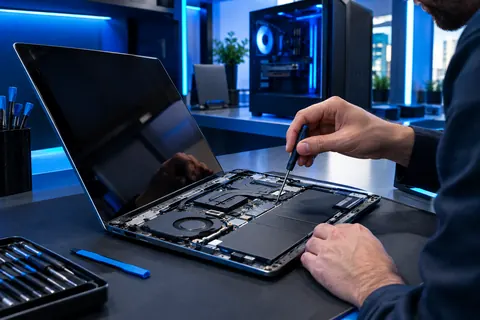
Computer & laptop repair
Cracked or dead laptop screens
Screen replacement for MacBook and Windows laptops, including flickering, lines and no-display faults.
Battery and charging faults
Laptops that die in minutes, will not charge, or only run on the cable.
Slow computers
Software clean-ups, storage and memory upgrades, and a fresh start for machines that have slowed to a crawl.
Virus and malware removal
Pop-ups, hijacked browsers and suspicious software cleaned out and the system secured.
Overheating and loud fans
Cleaning and cooling repairs for laptops and desktops that run hot or shut off.
Keyboards, trackpads and ports
Sticky or dead keys, a trackpad that does not click, and USB or charging ports that came loose.
Three steps. No runaround.
Tell us what happened
Walk in, call or message us on WhatsApp with your device and the problem.
We diagnose and quote
You get your options and the price before the repair starts.
Back to normal
Same-day repair where parts allow, and we check it works before you leave.
Questions, answered
Is it worth repairing an old laptop?
Often yes, if the machine is otherwise sound. A new screen, battery or storage upgrade can give years more life for far less than a new laptop. We tell you honestly when a repair is not worth it.
How much does a laptop repair cost?
It depends on the fault, the model and the parts. Contact us with the make, model and symptoms and we will give you your options and a price before the repair.
Do you repair MacBooks as well as Windows PCs?
Yes. We repair MacBook and Windows laptops, plus desktop computers.
Can you remove a virus without losing my files?
In most cases yes. We aim to clean the system and keep your files, and we recommend a backup first whenever possible.
My laptop will not turn on. What should I do?
Try a different outlet and charger, then bring it in. Do not keep forcing it to start; we will diagnose the cause and tell you what is realistic.
Cracked screen? Dead laptop? Boxes to ship?
Talk to a human in English or Español.