
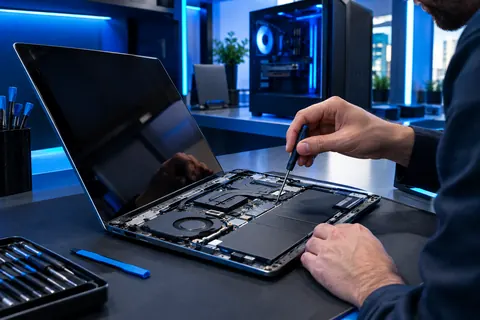
Usually yes if the laptop is under about six to seven years old and has one failed part such as a battery, screen or SSD. Replace it when the repair would cost close to a comparable new laptop, when it can no longer receive security updates, or when several parts are failing at once.
What are the most common laptop repairs?
- Battery replacement for laptops that die in minutes
- Cracked or flickering screens
- Slow performance fixed with an SSD, more memory or a software clean-up
- Overheating, dust build-up and loud fans
- Keyboard, trackpad and charging-port faults
- Virus and malware removal
How old is too old for a laptop?
Age alone is not the rule; support is. A seven-year-old laptop that still receives security updates and feels fast with an SSD can serve for years. One that can no longer run a supported operating system is a security risk. For example, Windows 10 reached end of support in October 2025, so PCs that cannot run Windows 11 no longer receive regular security updates.
Apple also stops macOS updates for older MacBooks, so check whether yours is still supported before spending on a major repair.
Repair or replace: a simple test
- Repair if one part failed, the laptop is otherwise fast, and the repair is well under half the cost of a similar new laptop.
- Replace if the repair is close to the price of a new one, the laptop is unsupported, or the screen, battery and storage are all failing.
- Upgrade if it is only slow: an SSD and memory often make an older laptop feel new.
How much does a laptop repair cost?
It depends on the make, the model and the part. Send us the model and the symptoms and we will give you your options and price before any work begins.